 Image 1 of 5
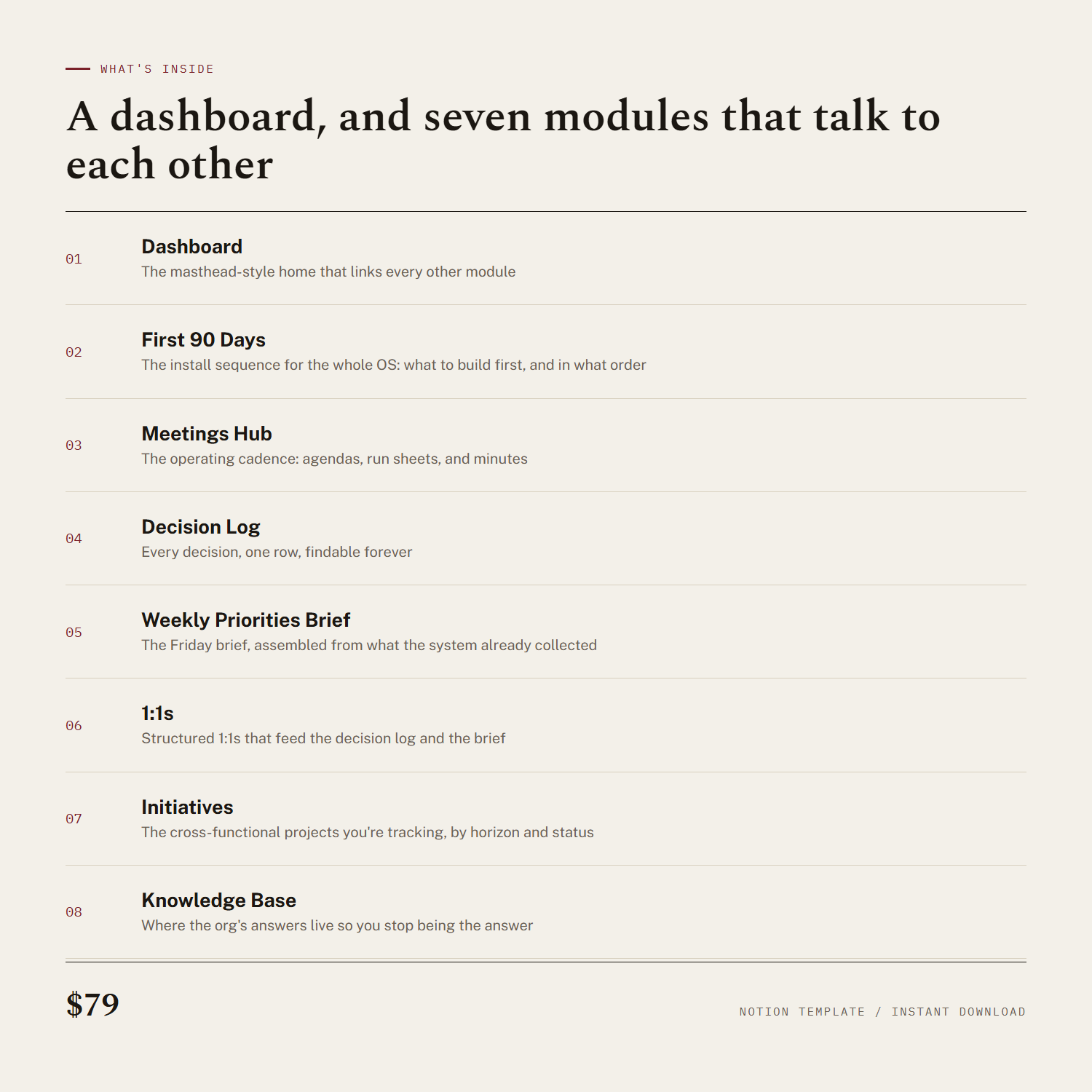 Image 2 of 5
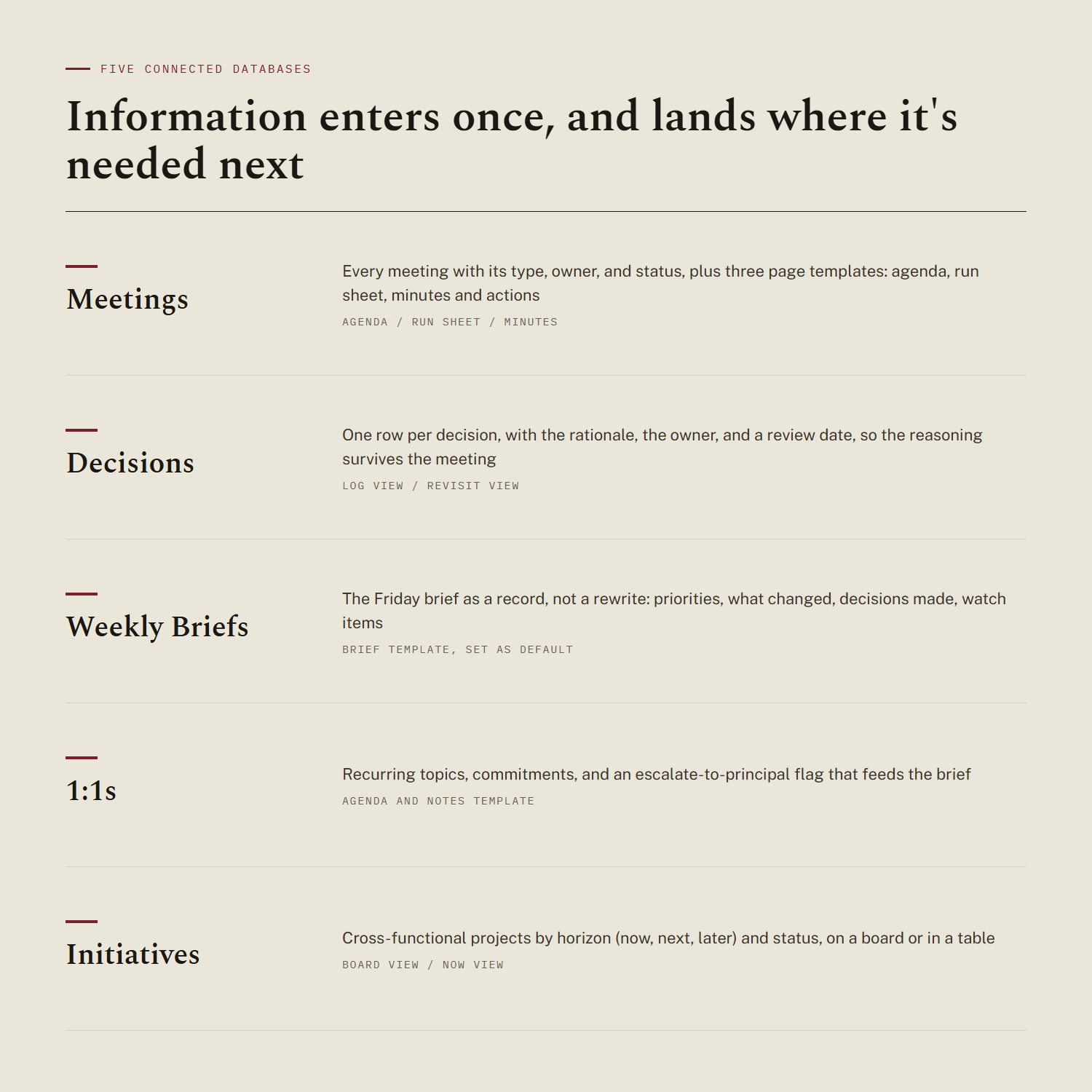 Image 3 of 5
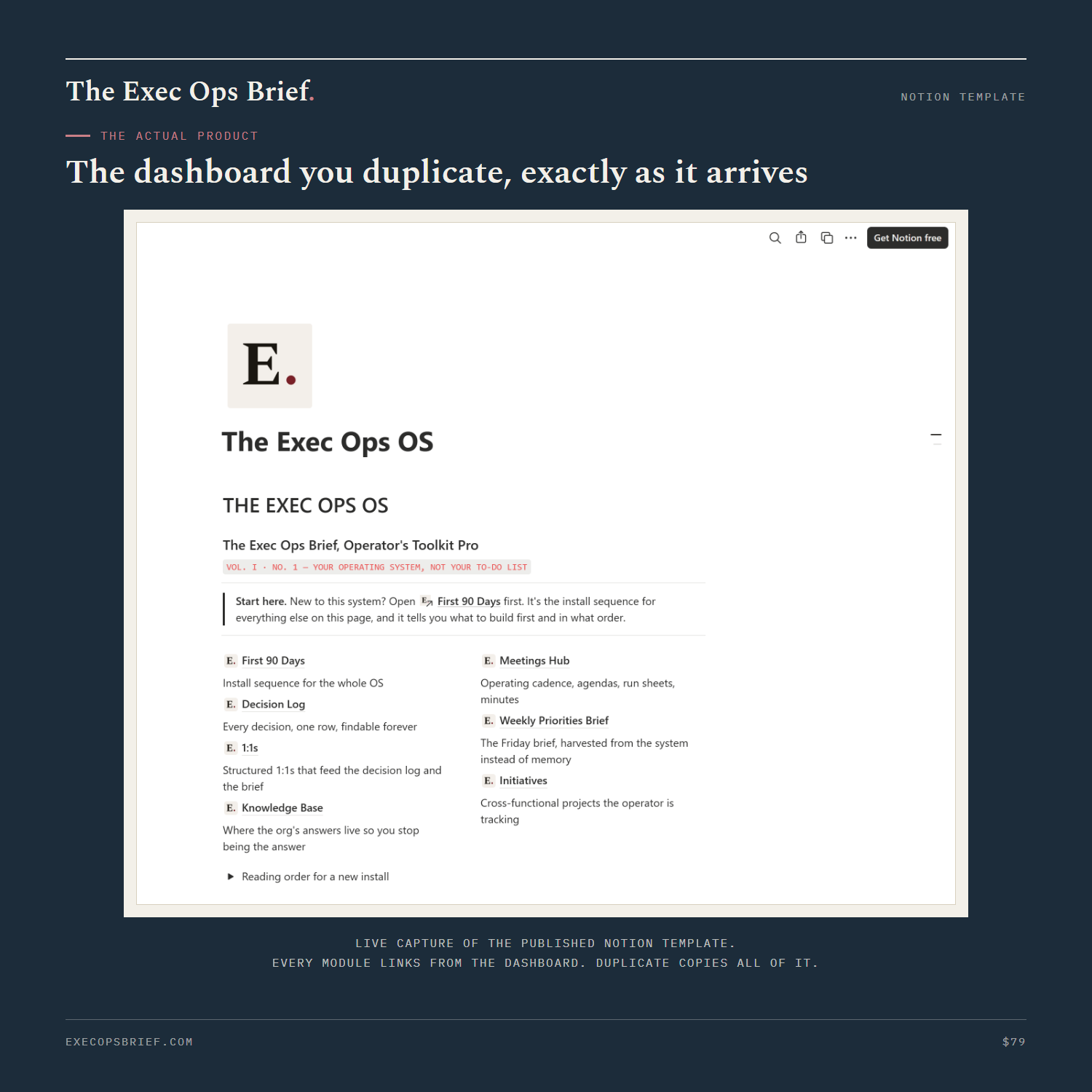 Image 4 of 5
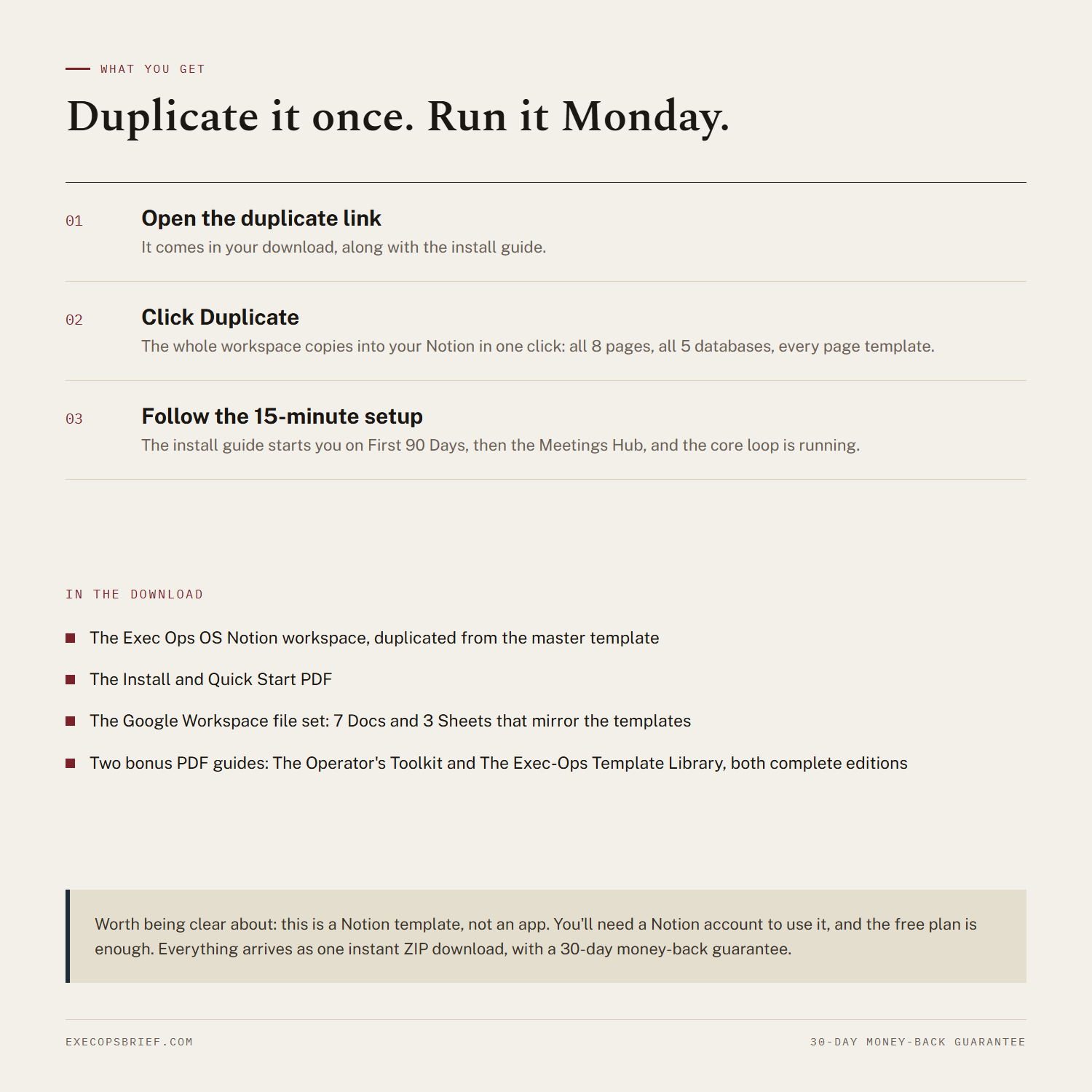 Image 5 of 5
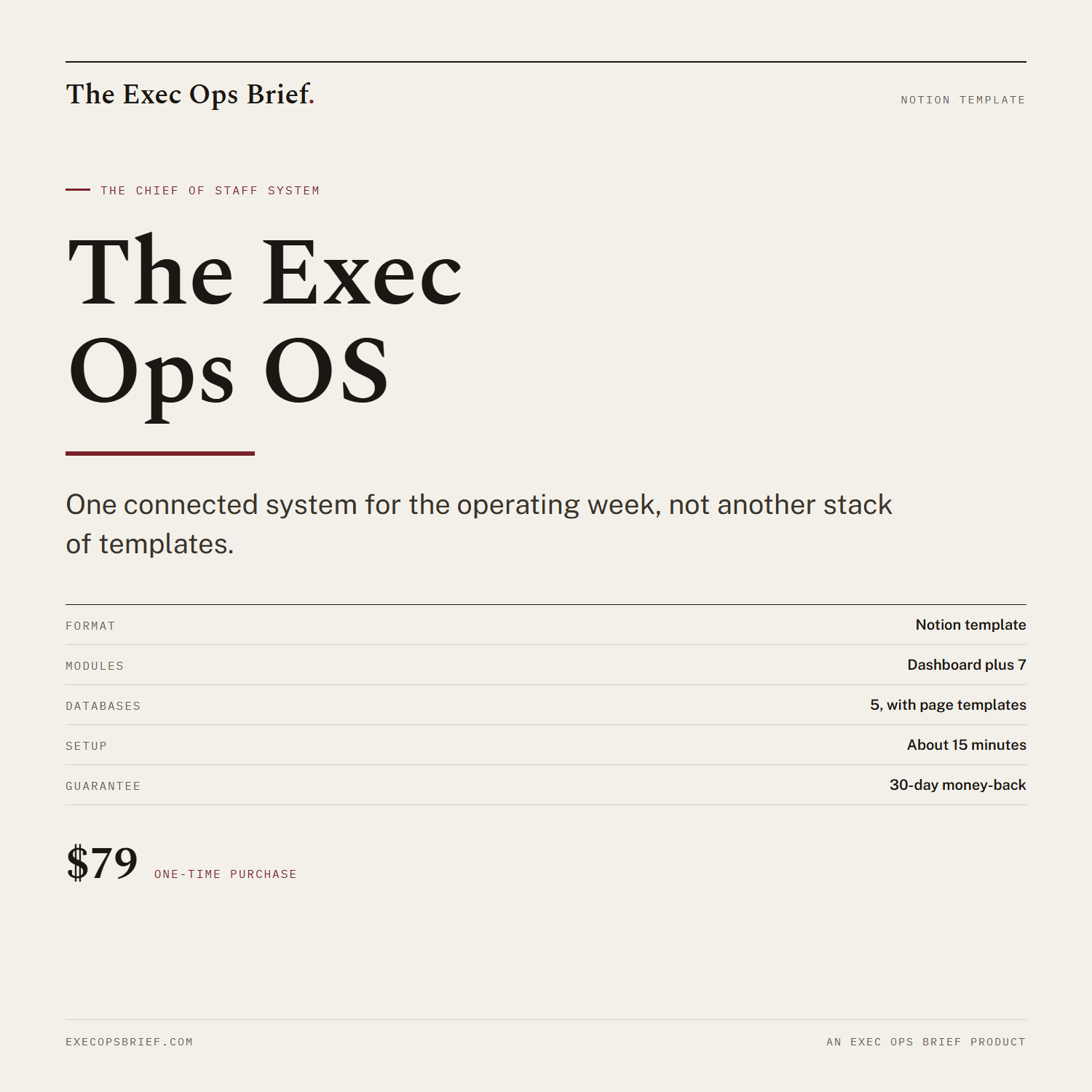
Most people collect templates the way they collect browser tabs: a meeting agenda from one place, a decision tracker from another, none of them talking to each other. The Exec Ops OS is not a stack of templates. It's one system, built so information enters once and flows to wherever it's needed next.
Eight modules, all connected:
- Dashboard, the masthead-style home that links every other module
- First 90 Days, the install sequence for the whole OS: what to build first and why restraint is the discipline that makes the role work
- Meetings Hub, the operating cadence: agendas, run sheets, and minutes for the leadership meeting where the operating week comes to a head
- Decision Log, every decision in one row each, findable forever
- Weekly Priorities Brief, the Friday brief assembled from what the system already collected instead of reconstructed from memory
- 1:1s, structured 1:1s that feed the decision log and the brief
- Initiatives, the cross-functional projects you're tracking, by horizon and status
- Knowledge Base, where the org's answers live so you stop being the answer
Decisions made in the leadership meeting land in the Decision Log the same day. Blockers surfaced in your 1:1s roll up into the Weekly Priorities Brief. The templates are not the product. The flow between them is.
It installs in both places you might actually work: Notion, as a full workspace you duplicate with one click, and Google Workspace, as a folder of Docs and Sheets you make a copy of. Same eight modules, same databases, same page templates, either way. Set it up in the order the install guide walks you through and the core loop is running in about fifteen minutes.
Two bonus PDF guides are included at no extra cost: The Operator's Toolkit (Complete Edition) and The Exec-Ops Template Library (Complete Edition), the same full editions sold separately elsewhere in this shop. Everything, workspace links, Google folder link, and both PDFs, lives in the one ZIP download.
Format: instant digital download (ZIP containing the Notion duplicate link, the Google Workspace folder link, and both bonus PDFs). 30-day money-back guarantee: full refund within 30 days, no justification required.
Most people collect templates the way they collect browser tabs: a meeting agenda from one place, a decision tracker from another, none of them talking to each other. The Exec Ops OS is not a stack of templates. It's one system, built so information enters once and flows to wherever it's needed next.
Eight modules, all connected:
- Dashboard, the masthead-style home that links every other module
- First 90 Days, the install sequence for the whole OS: what to build first and why restraint is the discipline that makes the role work
- Meetings Hub, the operating cadence: agendas, run sheets, and minutes for the leadership meeting where the operating week comes to a head
- Decision Log, every decision in one row each, findable forever
- Weekly Priorities Brief, the Friday brief assembled from what the system already collected instead of reconstructed from memory
- 1:1s, structured 1:1s that feed the decision log and the brief
- Initiatives, the cross-functional projects you're tracking, by horizon and status
- Knowledge Base, where the org's answers live so you stop being the answer
Decisions made in the leadership meeting land in the Decision Log the same day. Blockers surfaced in your 1:1s roll up into the Weekly Priorities Brief. The templates are not the product. The flow between them is.
It installs in both places you might actually work: Notion, as a full workspace you duplicate with one click, and Google Workspace, as a folder of Docs and Sheets you make a copy of. Same eight modules, same databases, same page templates, either way. Set it up in the order the install guide walks you through and the core loop is running in about fifteen minutes.
Two bonus PDF guides are included at no extra cost: The Operator's Toolkit (Complete Edition) and The Exec-Ops Template Library (Complete Edition), the same full editions sold separately elsewhere in this shop. Everything, workspace links, Google folder link, and both PDFs, lives in the one ZIP download.
Format: instant digital download (ZIP containing the Notion duplicate link, the Google Workspace folder link, and both bonus PDFs). 30-day money-back guarantee: full refund within 30 days, no justification required.